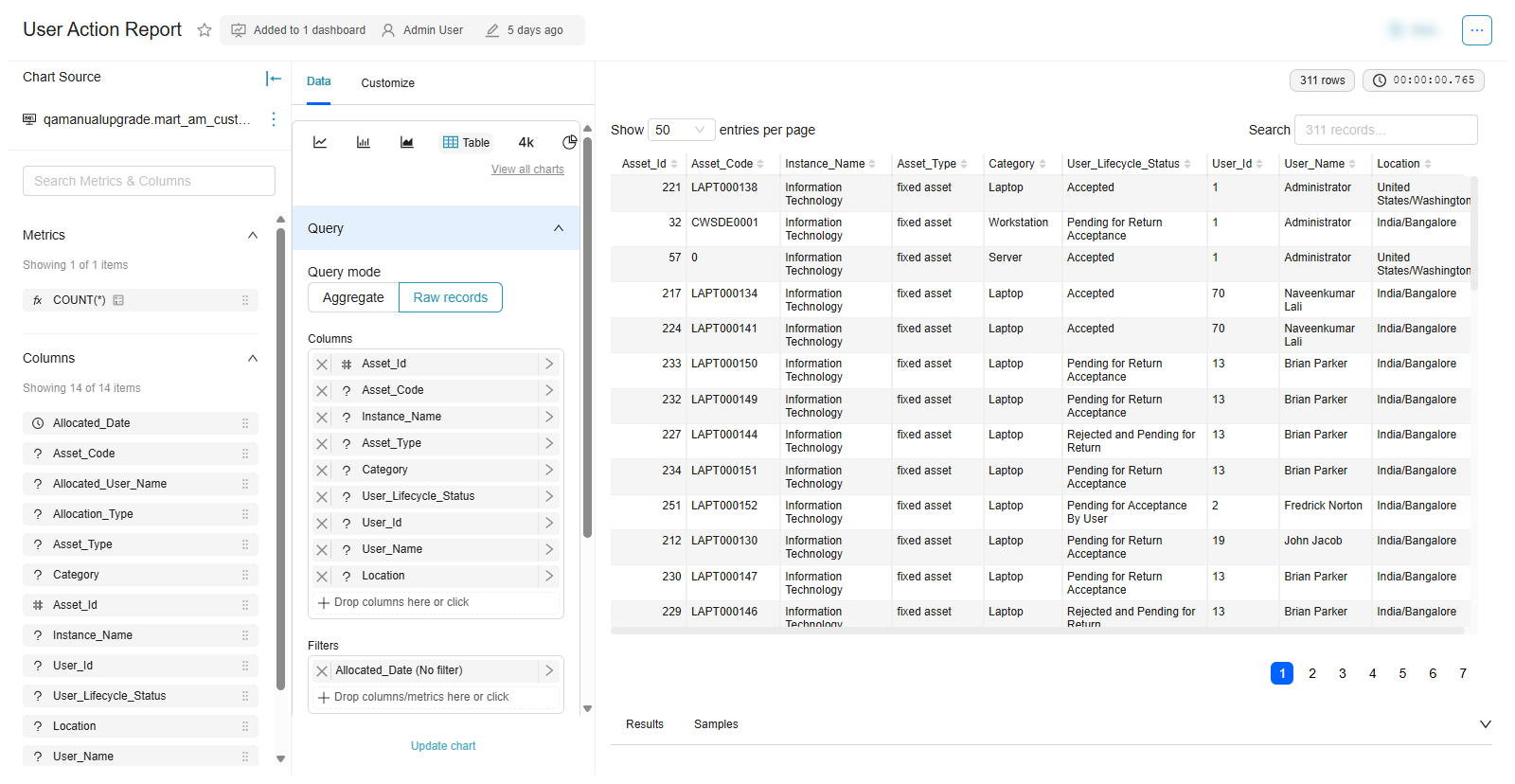
The Reports module has been enhanced to improve security, accuracy, and usability. These enhancements introduce role‑based access to report modules, mandatory configuration validation, and read‑only restrictions for Report Viewers. Together, they ensure that users can access only the reports they are authorized to view, while preventing unauthorized changes to report configurations and definitions.
Benefits
Displays only the report modules authorized for the user.
Prevents Report Viewers from modifying report configurations.
Enforces mandatory configuration fields to improve accuracy.
Reduces configuration errors and accidental changes.
Provides a consistent and secure reporting experience..
The following enhancements have been introduced
Role-based Report Module Visibility
Mandatory Validation for Report Configuration
Read-only report configuration for Report Viewers
Role-Based Report Module Visibility
The Reports page now displays module cards based on the user’s assigned permissions. When a user opens the Reports page, only the modules they are authorized to access appear. This simplifies navigation and prevents access to unauthorized report categories.
The Custom Tile appears when the user has access to at least one report module.
Users with the Customer Admin role can view all report module cards, including the Custom Tile.
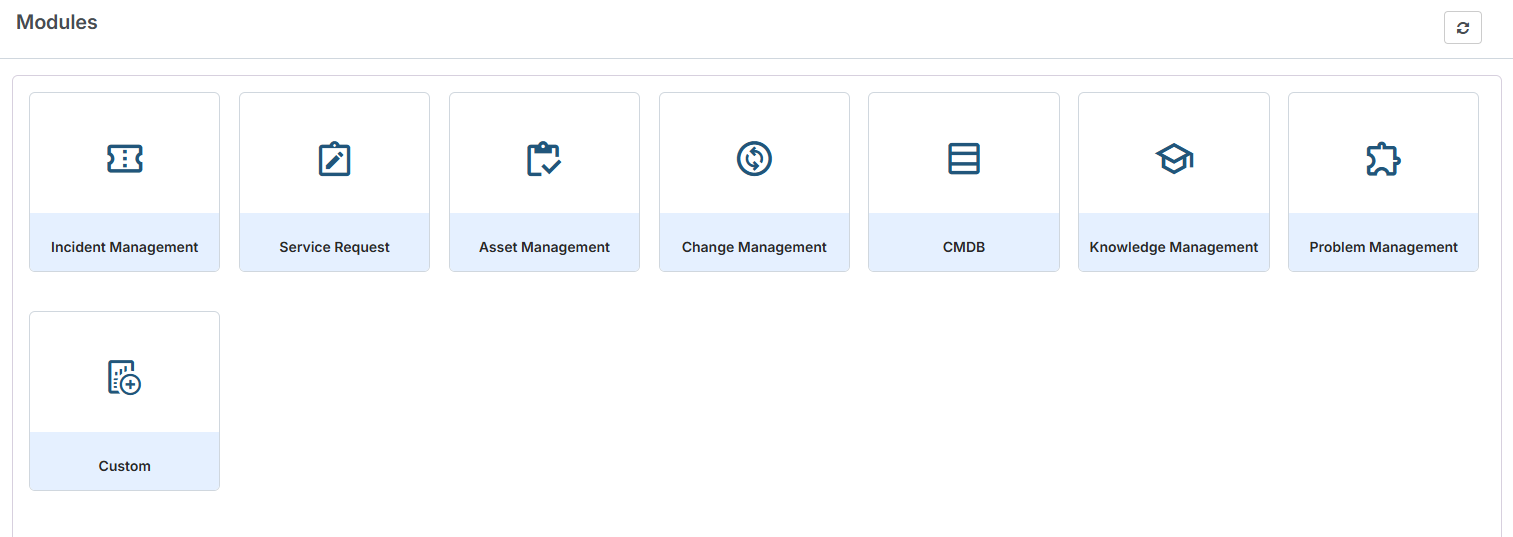
Figure: Report Module cards
The following table shows the report modules that are displayed for each user role, including the Custom Tile.
User Role | Visible Report Modules |
|---|---|
Report Viewer with Incident report access | Incident and Custom Tile |
Report Viewer with Incident and Change report access | Incident, Change, and Custom Tile |
Customer Admin | All report modules and Custom Tile |
Mandatory Validation for Report Configuration
Mandatory validation is now enforced in the Reports section under Role Template > Other Configuration. Users must provide required configuration values before reports can display data correctly.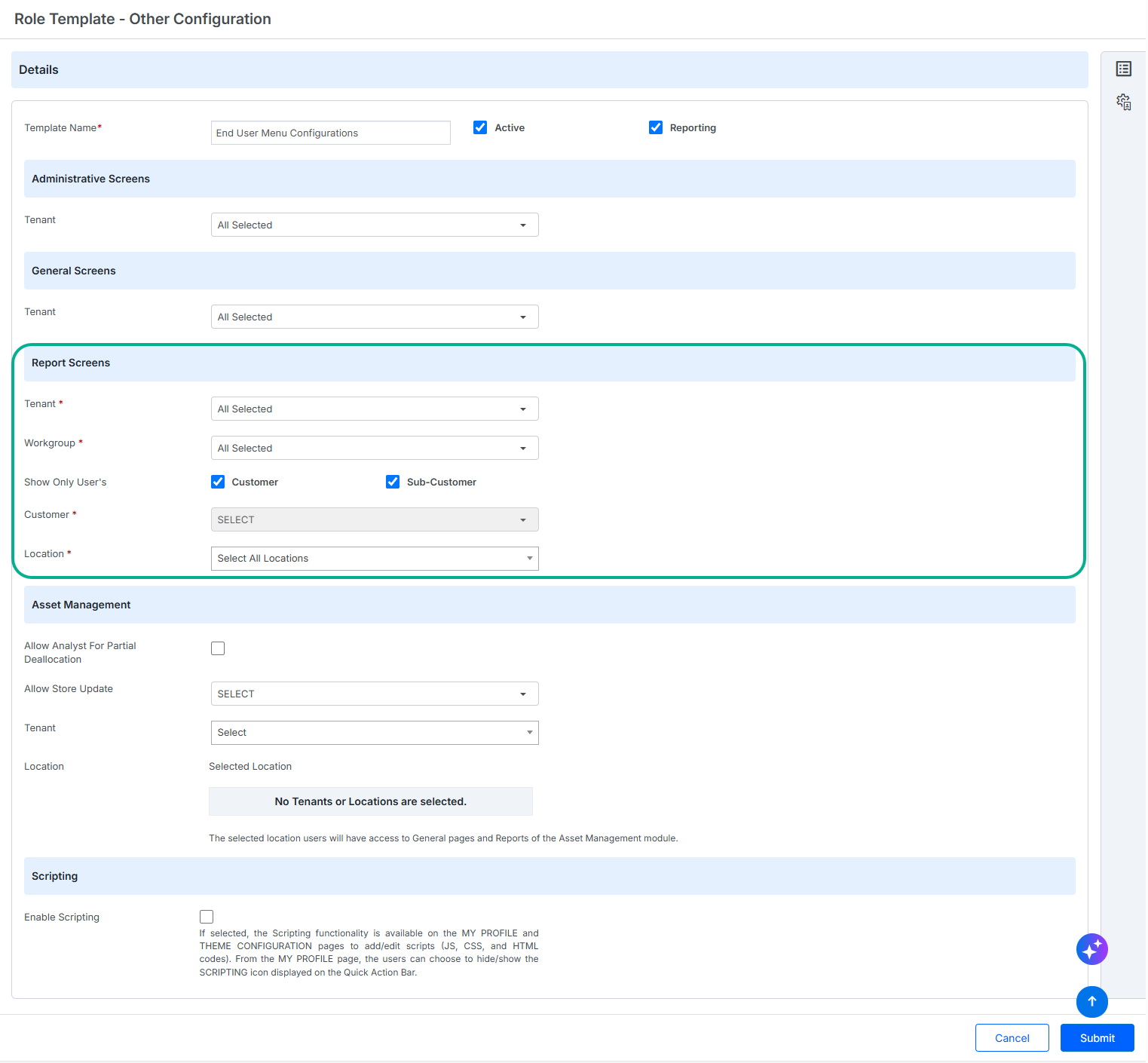
Figure: Role Template - Other Configuration
Mandatory fields:
Tenant
Workgroup
Location
Customer Field Dependency
The behavior of the Customer field depends on configuration:
If Show Only User’s is set to Customer or Sub Customer, the Customer field is optional.
If Show Only User’s is not configured, the Customer field becomes mandatory.
This validation ensures that reports are configured with sufficient information before they are used.
Read-Only Report Configuration for Report Viewers
The Reports configuration page is now available in read‑only mode for users assigned the Report Viewer role. Report Viewers can review report configurations but cannot modify any settings or chart properties.
Restrictions:
Report configuration fields are read‑only.
Chart properties cannot be modified.
Editing is disabled throughout the configuration section.
The Save button is disabled.
These restrictions ensure that Report Viewers can review report settings without making unauthorized changes.